Site entrance
Authorized deliveries and after-hours access
 VerifEyeMOBILE SECURITYTry your free camera layout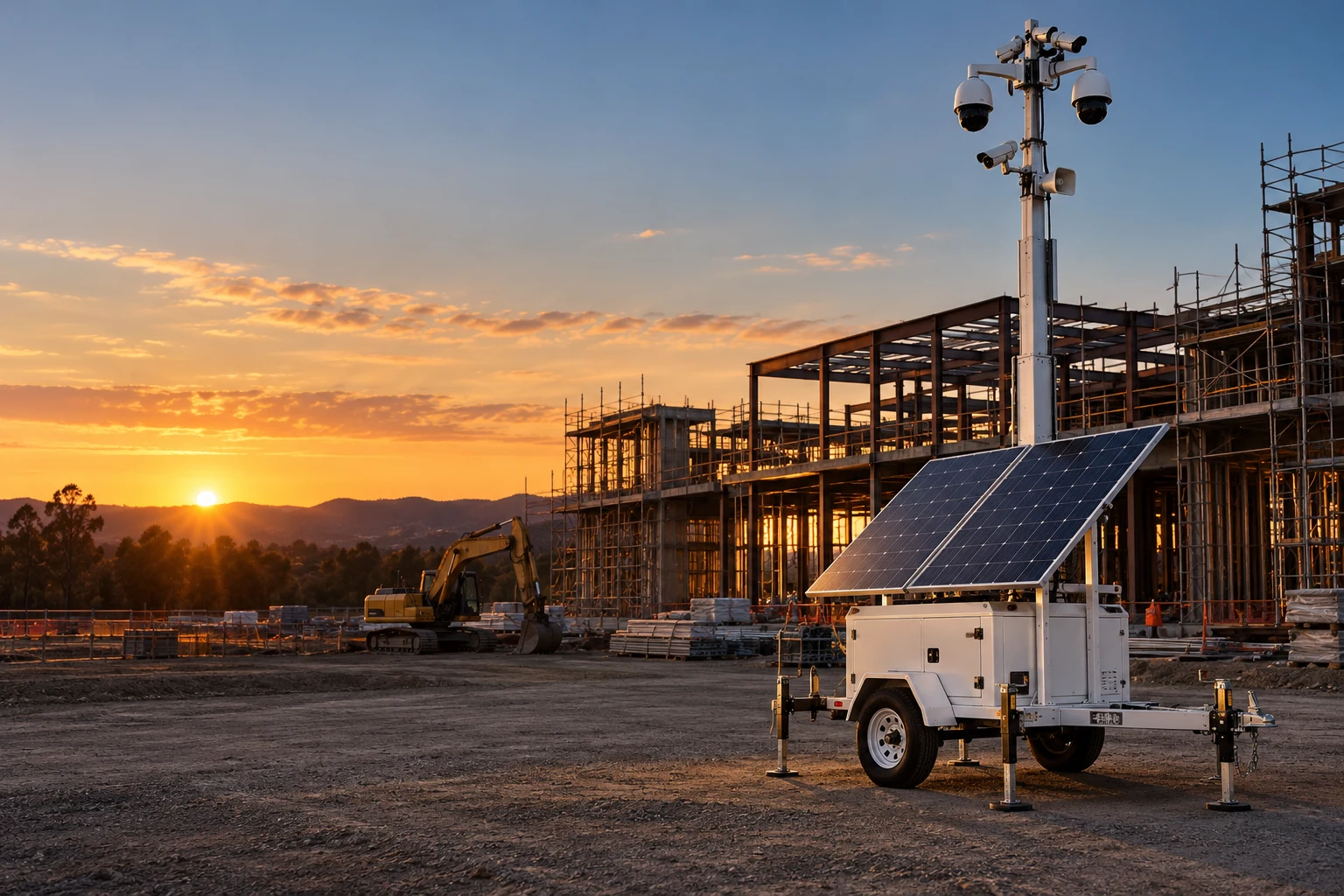
SOLAR SURVEILLANCE / CONSTRUCTION
Solar surveillance trailer rentals for changing jobsites, equipment staging, and after-hours access.
AI screens the event. A real person responds.
Live, event-based monitoring · No rental commitment.
Proposed launch: Bakersfield & Kern County
START WITH WHAT MATTERS
A new phase can change what your cameras can see. Start with the gate, the material laydown area, and the equipment that stays overnight.
Authorized deliveries and after-hours access
Changing sightlines as construction progresses
Monitoring contacts for the superintendent and site team
MAKE IT YOUR SITE
Try a free layout with up to five camera positions. Move them, turn the viewing areas, and explore what matters on your site.

Search for your school or site, then choose a suggestion to load the satellite map.
DRAG A CAMERA · AIM WITH ITS RING · ADD UP TO FIVE
Loading satellite map…
YOUR NEXT STEP
You can keep adjusting your layout above. Choose a timeframe to continue.
Choose your timing, then review your request. No equipment is reserved.
Drag a numbered camera to move it. Drag its ring to aim and resize the viewing area, up to 91 m (about 300 ft). Add cameras using the select directly below the map.
Planning illustration—not verified coverage. Shaded areas show an adjustable viewing concept, not detection or identification range. They do not account for buildings, scaffolding, terrain, lighting, lens settings, or moving obstructions. AI tracking cannot see through objects. The camera count is your scenario, not an equipment recommendation.
Each marker is an illustrative camera position. A trailer may carry multiple cameras; this layout does not determine the number of trailers required.
Include this layout in your conversation request below.
A SIMPLE WALKTHROUGH
Explore the proposed workflow. This is an illustration, not live footage or a record of a VerifEye deployment. Available features depend on the selected equipment and service.
Start with the current site layout, working hours, and the next construction phase. Together, review potential positions, monitoring hours, authorized contacts, and an itemized proposal. Check sightlines, safe access, solar exposure, and cellular reception before deployment.
Try your free camera layout ↗THE PRACTICAL QUESTIONS
Yes. Share the location, timing, and priorities. The proposal should specify equipment, monitoring scope, rental term, delivery, pickup, and itemized costs.
Yes. Relocation can be planned around the next phase, subject to safe access, revised sightlines, and agreed move charges.
Yes. This is live, event-based monitoring. Two layers of AI screen detected activity to help distinguish people—and selected animal events when configured—from routine motion. A live operator reviews the event, can speak through the on-site intercom, notify your designated contacts, and contact 911 when the situation calls for it under the agreed response plan. AI screening helps reduce false alarms. Monitoring hours and response procedures are defined in your service agreement; event-based monitoring does not mean a person watches every camera continuously.
Yes. Agree authorized users, retention, camera direction, and any audio features before activation. These details belong in the written service scope.
CONSTRUCTION / YOUR NEXT STEP
Start with the current site layout, working hours, and the next construction phase. Share a little about the location and timing. You do not need a finished security plan to begin.
A clearer plan starts here.Review your details, then email your request to Patrick. No rental commitment.
Choose “Email my request” below, then press Send in your email app. Your request is not delivered until you send it. This does not book an appointment.